
Video Info
Details about your uploaded video
Remove visible Dola AI watermarks from MP4 videos with this free online Dola AI Video Watermark Remover. Upload your compatible video, adjust the watermark selection area to match the visible Dola AI logo, and process the video directly in your browser. The tool uses local video processing to reconstruct affected frames without uploading your original video to a server or requiring registration.

Choose or drag & drop your video here
Supports compatible MP4 files
MP4 (H.264 + AAC recommended) · 100% in-browser processing
Remove Dola AI watermarks directly in your browser. Your video stays on your device.
Details about your uploaded video
AI automatically detects watermarks in your video
Configure how to remove the watermark
Recommended Settings
These settings provide the best balance of quality and processing speed for most videos.
Zero Server Uploads
Processed inside browser sandbox
Client-Side WASM
Runs locally on supported devices
Private Processing
Files never leave your machine
High-Quality Export
Configurable CRF 18/23 presets
Get clean, watermark-free videos in three simple steps.
Choose or drag and drop your Dola AI file. Supports compatible MP4 videos (H.264/AAC) or switch modes for PNG, JPEG, and WebP images.
Verify the detected corner Dola AI watermark or adjust the boundary coordinates manually using the interactive selector drawer.
Preview the reconstructed media processed in your browser and download your clean, watermark-free result instantly.
Everything you need to remove Dola AI watermarks and logos, right in your browser.
Detects visible Dola AI watermarks and reconstructs the affected area using client-side edge-aware boundary interpolation.
Video and image processing happens locally in your browser sandbox. Your files are never uploaded to any remote server.
Choose configurable quality settings (CRF 18/23) and export your processed video directly in standard MP4 format.
Runs directly on your machine using FFmpeg WASM and HTML5 Canvas with no software installation or registration.
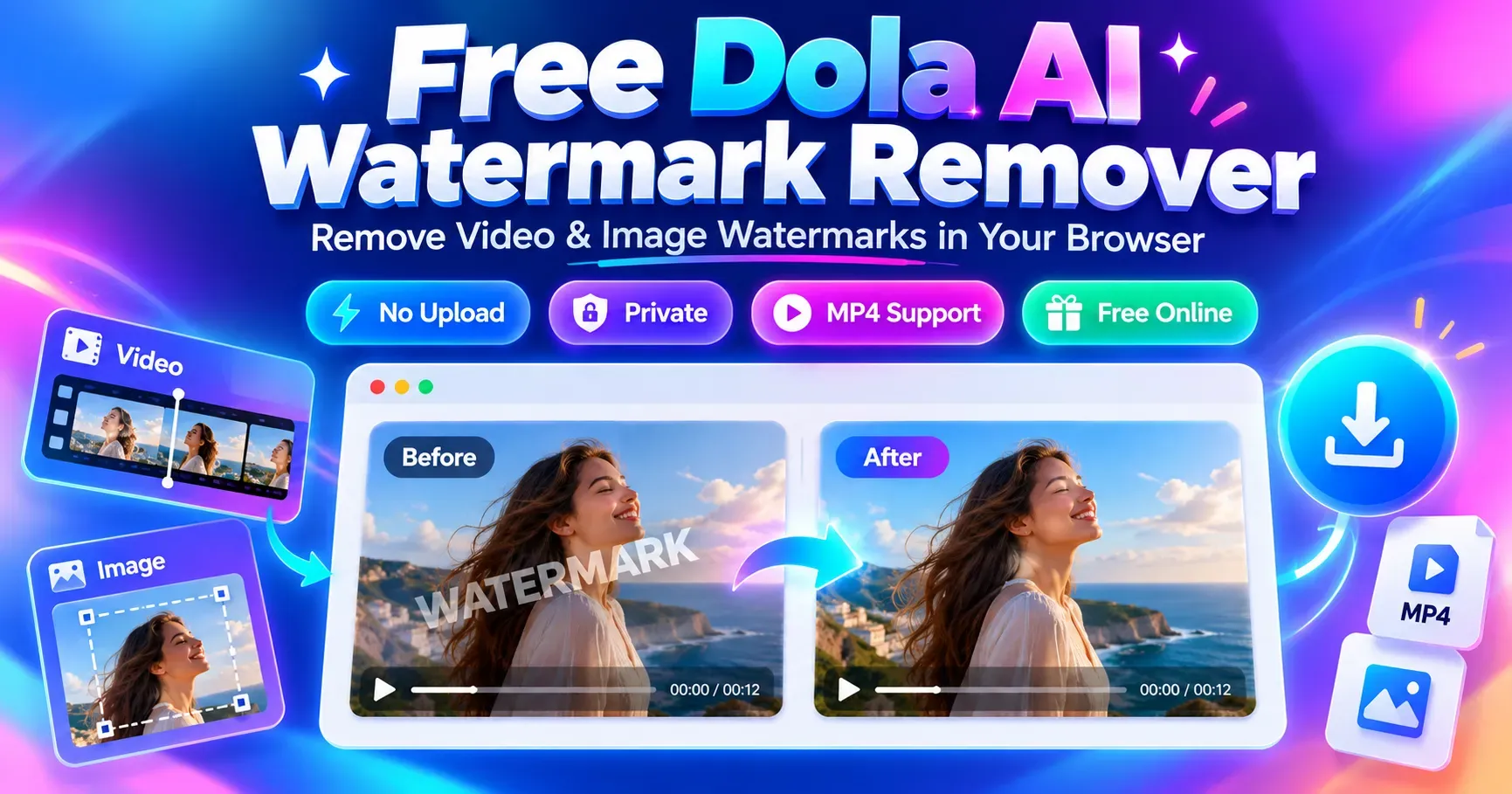
Remove visible Dola AI watermarks from MP4 videos and images online for free with private, browser-based processing.
Promotional feature image for SEO Elite's free Dola AI Watermark Remover, illustrating before-and-after video and image watermark removal. The browser-based tool supports compatible MP4 videos, visible logo removal, manual watermark area selection, private local processing, and downloadable results.
Understand how browser-based boundary interpolation reconstructs clean MP4 frames from Dola AI video generations.
Dola AI video generations typically place a visible branded tag in the bottom-right corner. Our client-side video processor uses FFmpeg compiled to WebAssembly (WASM) to apply an edge-aware delogo filter. This algorithm samples the unmarred pixels immediately bordering the watermark box and interpolates smooth color gradients horizontally and vertically across the logo area.
While default detection coordinates target common Dola watermark sizes, creators can expand the "Adjust Watermark Area" drawer to manually resize or reposition the bounding box. Boundary interpolation achieves near-seamless results against uniform, blurred, or moderately detailed backgrounds, though high-frequency moving textures behind the logo may exhibit subtle soft blending.
Restore AI-generated photos and illustrations with selective canvas inpainting and instant before/after verification.
For static imagery, the tool activates an independent HTML5 Canvas engine. You can upload standard image formats (PNG, JPEG, WebP) and draw a precise bounding box directly over the Dola logo. The inpainter preserves unmasked pixels with 100% fidelity while synthesizing localized texture gradients across the selected region.
Verify reconstruction quality before downloading using the interactive before-and-after slider. You can inspect pixel sharpness, examine edge blending, and export your cleaned image at original resolution with zero compression degradation.
Transparent technical capabilities: how specialized delogo filters remove logos from video clips without cloud subscriptions.
Many online tools claim universal video watermark removal across all formats and positions, but hide credit paywalls or require cloud uploads. SEO Elite's utility focuses specifically on post-processing exported MP4 video clips. By targeting standard corner logos and AI stamps directly on your device, it offers a fast, zero-cost alternative to heavy desktop editing suites.
As generative video platforms proliferate, content creators frequently need to remove logos from video outputs before sharing on social channels. This tool provides a dedicated, lightweight solution to remove visible watermarks from AI-generated video clips without altering framing, changing aspect ratios, or introducing aggressive video cropping.
How client-side sandboxing protects creator confidentiality while maintaining video quality and audio fidelity.
Your video frames and photos are decoded, processed, and re-encoded entirely inside your local browser memory via Web Workers and WebAssembly. No media files are ever transmitted to external servers.
Choose between High Quality (CRF 18) for visually lossless output or Balanced (CRF 23) for faster processing speeds and compact file sizes. Output files are multiplexed into standardized MP4 containers.
Compatible AAC audio streams are copied directly into the newly generated MP4 container without re-encoding (-c:a copy), ensuring audio fidelity and soundtrack sync remain intact.
Got questions about removing Dola AI watermarks, supported formats, or privacy? Find clear answers below.
Yes. SEO Elite provides this browser-based watermark remover completely free of charge. There are no subscriptions, credit paywalls, export watermarks, or processing limits.
Select the 'Videos' tab, upload your exported Dola AI MP4 file, verify the auto-detected watermark bounding box (or click 'Adjust Watermark Area' to fine-tune it), and click 'Remove Watermark'. The tool processes the video locally and provides a clean MP4 file for download.
No. This tool is a client-side video processor, not a web scraper or URL stream downloader. You must first download or export your generated MP4 video from Dola AI to your device, then upload it here for local watermark removal.
Yes. The video engine is specifically optimized for standard MP4 video containers with H.264 video streams. It uses FFmpeg WebAssembly to interpolate surrounding edge pixels across the watermark region.
Yes. Switch to the 'Images' tab at the top of the tool to upload PNG, JPEG, or WebP still images. You can select the watermark with an interactive bounding box and repair pixels using client-side Canvas inpainting, complete with a before/after comparison slider.
Yes. In video mode, click 'Adjust Watermark Area' to inspect or resize the bounding coordinates on an extracted frame. In image mode, you can freely draw or drag a custom selection rectangle directly over the watermark.
Yes, when compatible. The video pipeline preserves existing AAC audio streams by remuxing them directly into the exported MP4 container without re-encoding (-c:a copy), keeping audio and video synchronized.
No. All media decoding, boundary interpolation, inpainting, and MP4 re-encoding happen locally on your device using WebAssembly (FFmpeg WASM) and HTML5 Canvas. Your files never leave your computer or phone.
No. This tool targets visible visual watermarks, logos, and corner text overlays (such as 'Dola AI'). Imperceptible cryptographic provenance tags or statistical frequency metadata embedded inside media files are not altered.
SEO Elite provides specialized, client-side tools designed for creators working with diverse AI generation models. Explore our companion utilities: